Capture
Choose display, window, or area. Clipdot stays quiet while you do the actual work.
Clipdot watches the cursor, finds the moments worth framing, removes nervous motion, and turns a raw capture into a finished Mac video without opening a heavy editor.
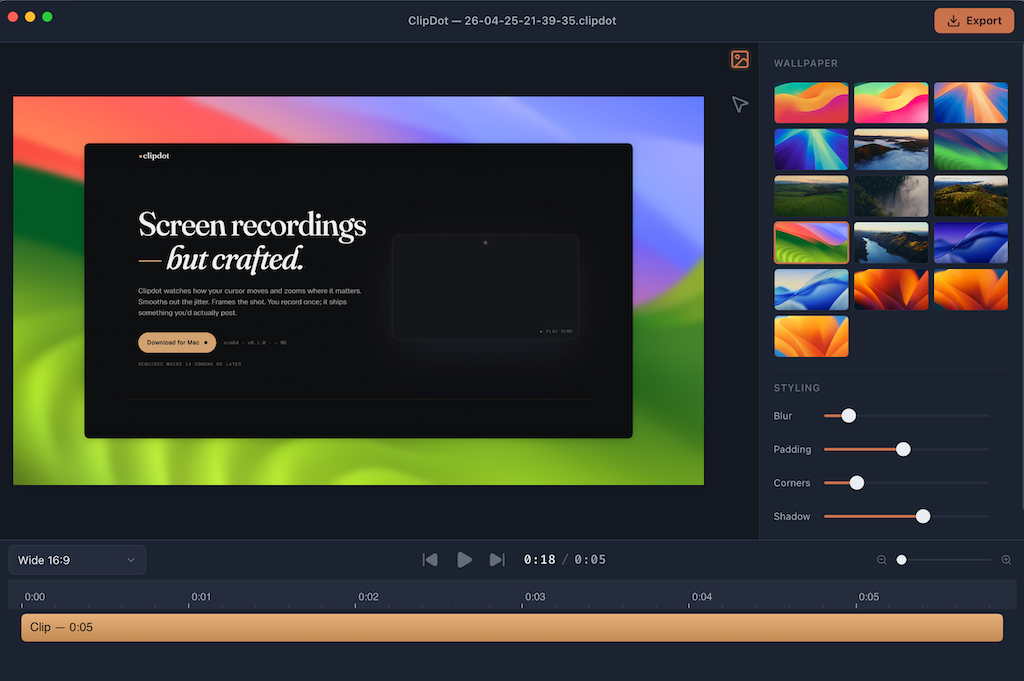
Each pass solves a specific ugliness in screen recordings: lost attention, shaky cursor motion, flat framing, and export friction.
Clipdot reads where attention moves and turns that into editable zoom blocks. The frame eases into important details, holds while the viewer reads, then gets out of the way.
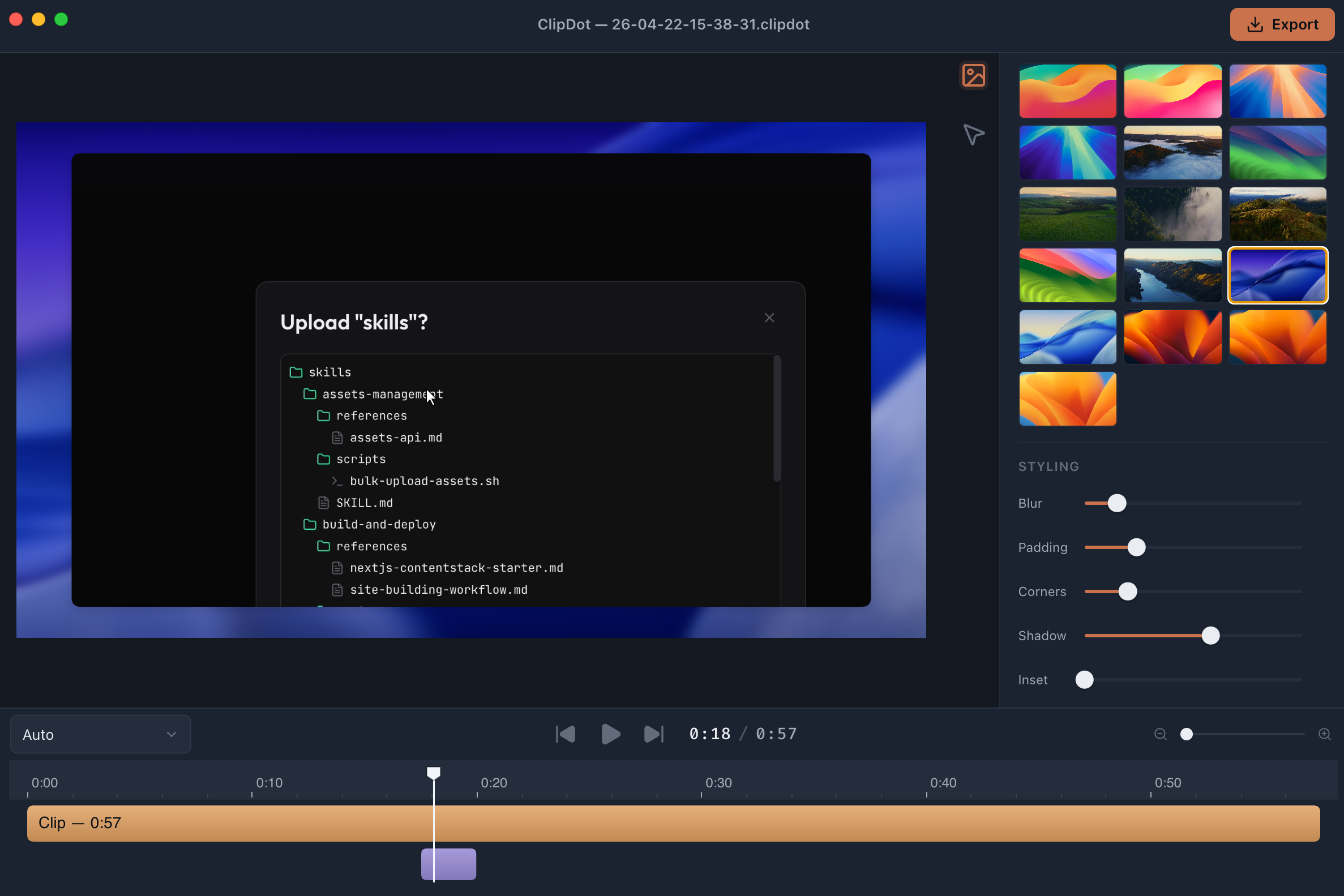 focus hold zoom block Editable zoom keyframes
 Small tremors disappear, real movement stays, and click moments become legible. It keeps the human signal without preserving every accidental shake.
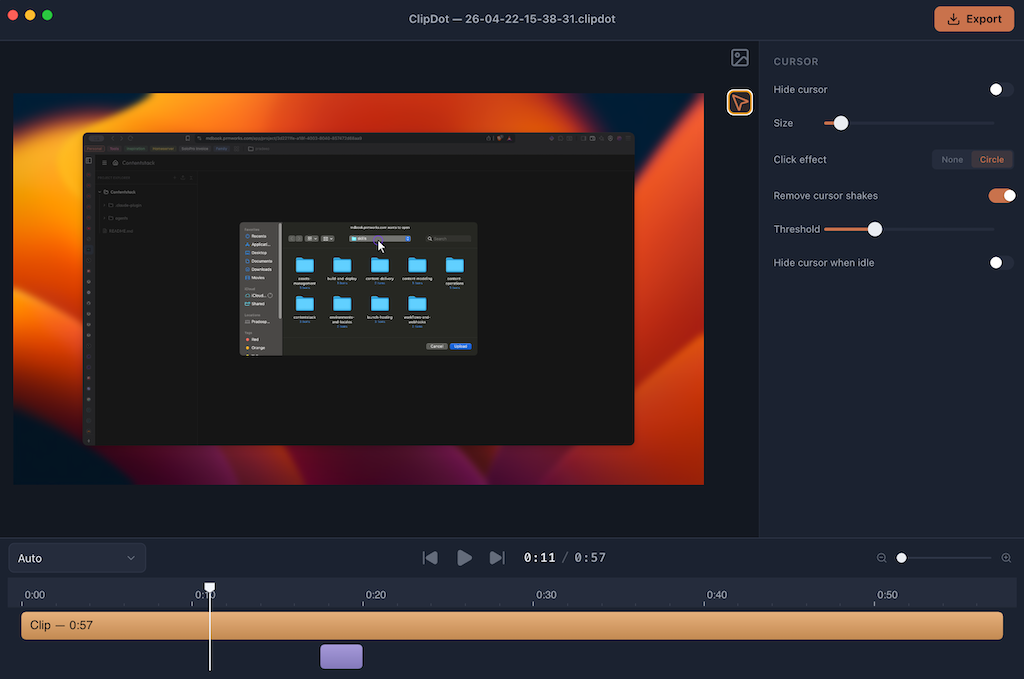 intent path cursor panel Motion cleaned, not faked
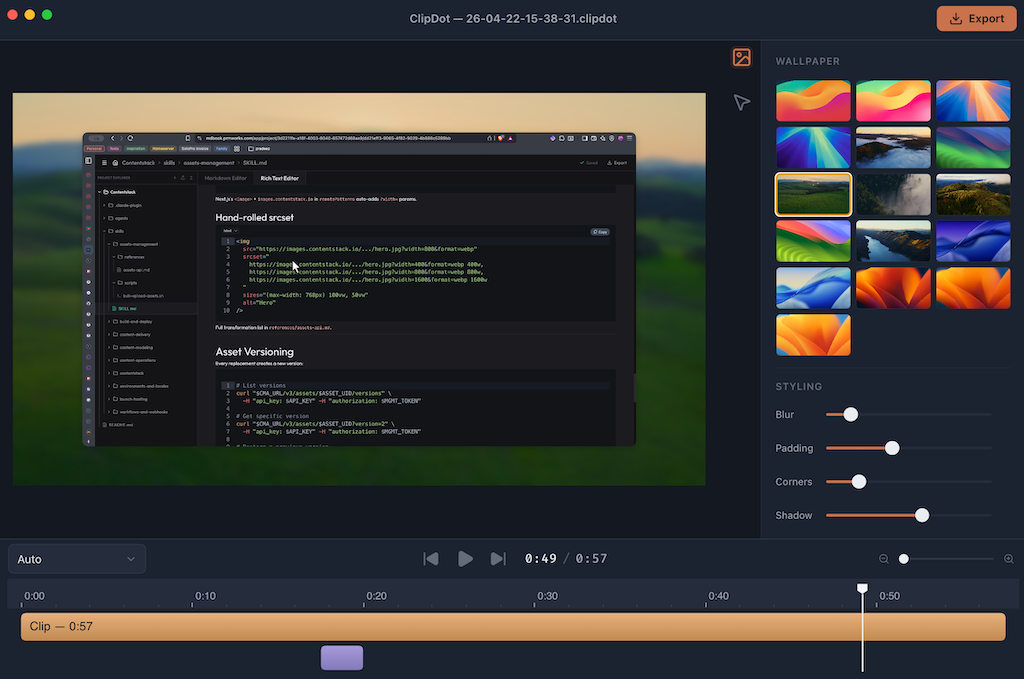
 Choose a background, tune padding, corners, blur, and shadow, then keep moving. The page mirrors the app: visible controls, immediate taste, no fake complexity.
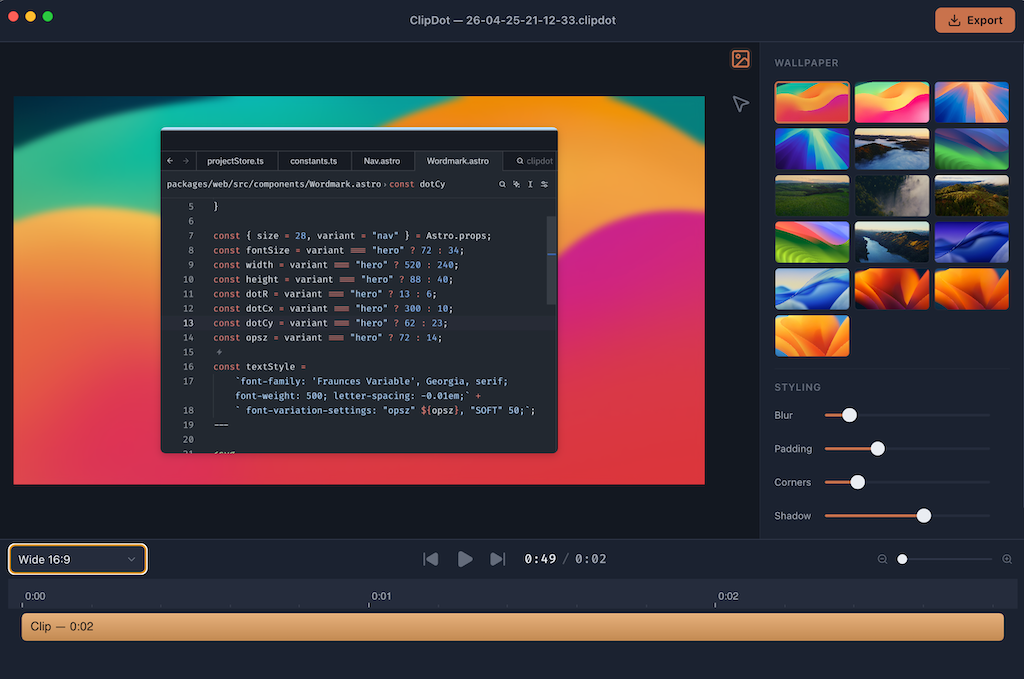 style rail composed video One panel, finished frame
 When the recording looks right, export an MP4 and send it. Clipdot keeps the workflow deliberately narrow so the output is polished before the tool becomes the project.
 export final timeline Signed Mac app, MP4 out
 The product promise is not “AI magic.” It is a tight editing surface where automated choices are exposed, understandable, and easy to override.
Choose display, window, or area. Clipdot stays quiet while you do the actual work.
Zoom, cursor, background, and pacing land on the timeline as editable decisions.
Export the composed video as MP4. No sprawling editor, no setup maze.
Yes. No paywall, no trial countdown, and no account required. If paid versions ever exist later, the build you install today stays free.
No. Recording, editing, and export run on your Mac, so your video stays on your machine unless you choose to share it.
Apple Silicon Macs running macOS 14 Sonoma or later. No Intel build, no Windows version, and no Linux version.
Screen Recording and Accessibility are required. You grant them once in System Settings.
You can edit it. Disable it in the setting, retime them, move them, delete them, or add your own anywhere on the timeline.
MP4. Use the default export when you want something fast, or push quality higher when the recording needs it.
Yes. Clipdot is signed and notarized, so you can install it without the usual sketchy-workaround routine.
Email support@prmworks.com. It goes to a human who can actually fix the thing or decide whether the feature should exist.